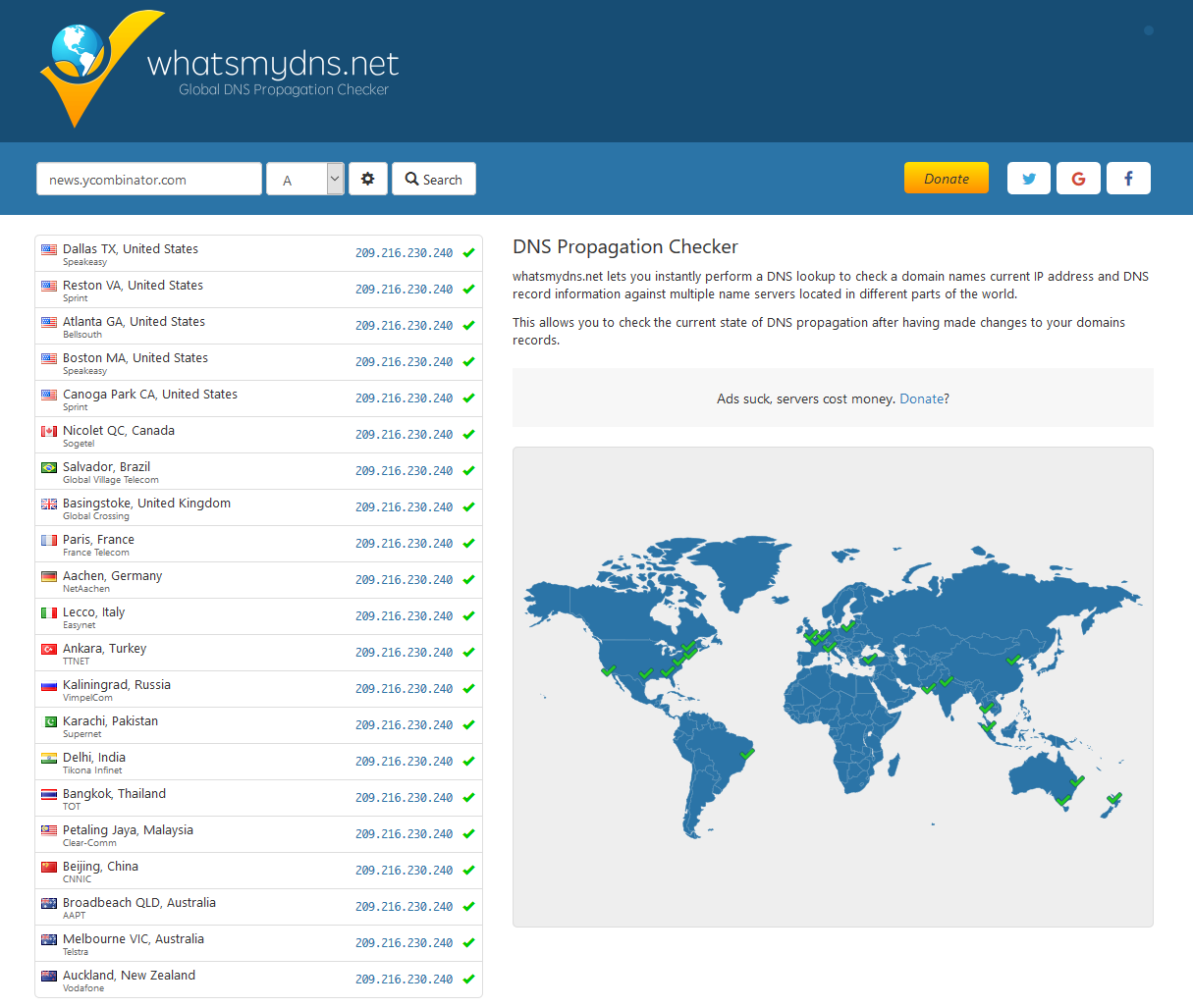
If you want to find the IP address or name servers of a website to gain further information on the behind the scenes and hosting here is an easy and simple way.
Go to whatsmydns.net put in the website you want to see the IP address and make sure A is selected for IP address or NS for name servers. Then hit search and you will see down the list countries/locations and what IP or Name servers get resolved at that location for the website or url.
This is also a good tool to check if your domain has propagated across to your dns.
A drained and empty Kennington reservoir images from a drone in early July 2024. The…
Merrimu Reservoir from drone. Click images to view larger.
Some early September spring shots from a bushwalk, It is still too early for wildflowers.
I recently needed to clone over a smaller NVMe to a 2TB SK Hynix Platinum…
If you ever needed a simple solution in Laravel to delete an entire directory and…
How to enforce only one user to register or be registered in a Laravel web…