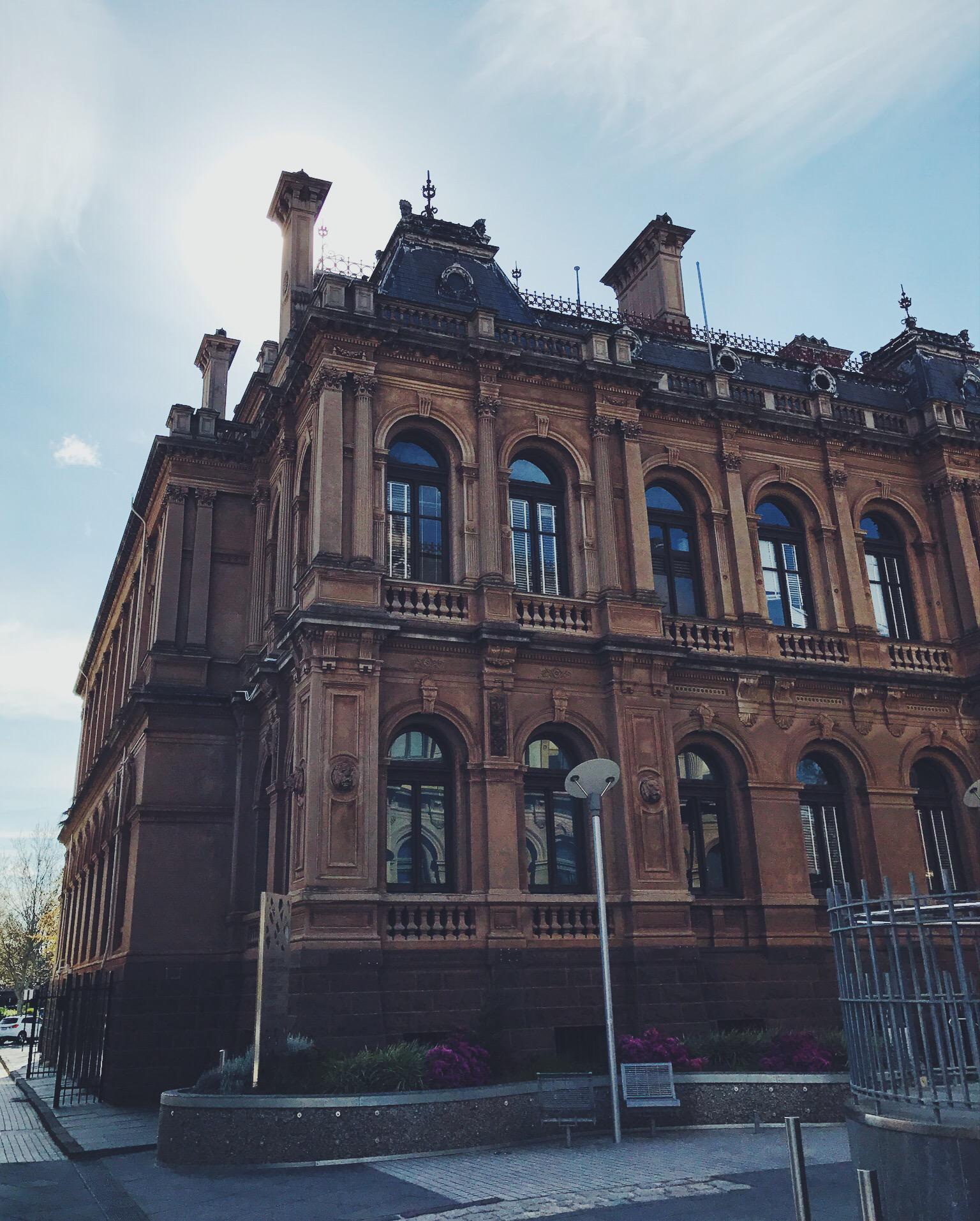
Using PHPs inbuilt image compression function imagejpeg i did a test to find out is it worth compressing images? and is there a big difference?
The usage is simple for imagejpeg you need to pass a jpeg in, specify its output and then a value for its quality (0 – 100).
imagejpeg does however require that the input is created from a PHP image create function. Its silly but here is a function to make it all simple:
function comp($in, $out, $qual)
{
    $img = imagecreatefromjpeg($in);   // load the image-to-be-saved
    imagejpeg($img, $out, $qual);
}
to compress an image
comp('full.jpg', '90.jpeg', 90); The file size decreased a lot the lower the quality value got. 45 was 3 times smaller, whilst 75 saw the file size cut in half. Even 85 saw over 150 KB in file size saving. Its pretty evident that imagejpeg cuts file size.
The quality of the images surprised me, there was very minor change, given my starting jpg file was just a phone image the file quality degraded as you pixel peeped anyway.
Again given that the starting original image was already somewhat compressed (VSCO) maybe imagejpeg could really squish them down. But it doesn’t really matter if the image was compressed to begin with because it got an even better compression.
Imagejpeg is worth using, even if you use a quality level like 80
I will attach all the compressed images below for you to see.
A drained and empty Kennington reservoir images from a drone in early July 2024. The…
Merrimu Reservoir from drone. Click images to view larger.
Some early September spring shots from a bushwalk, It is still too early for wildflowers.
I recently needed to clone over a smaller NVMe to a 2TB SK Hynix Platinum…
If you ever needed a simple solution in Laravel to delete an entire directory and…
How to enforce only one user to register or be registered in a Laravel web…