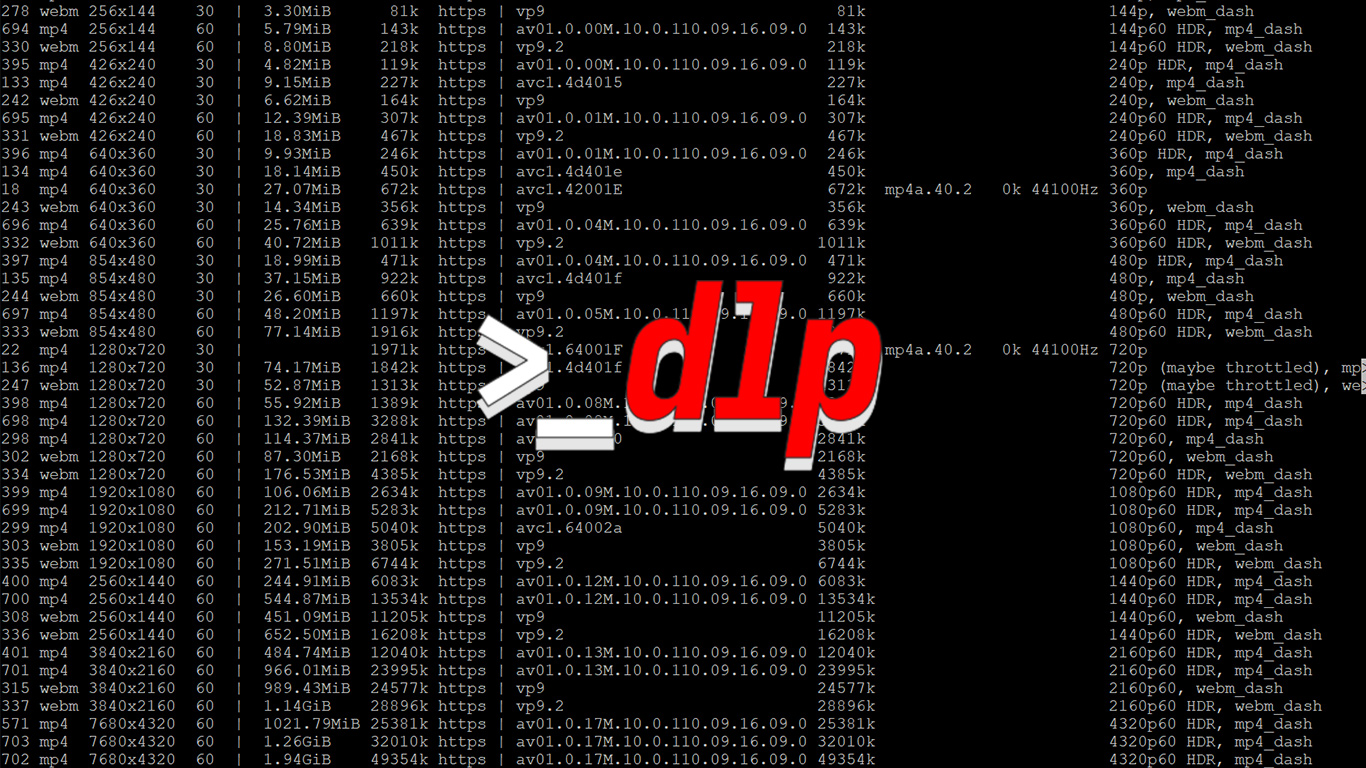
How to Download audio from a YouTube video using yt-dlp.
For more information on yt-dlp general usage read this post.
As you will more than likely be wanting the best quality audio the format (-f) selector will be for best audio (ba).
yt-dlp -f 'ba' https://www.youtube.com/watch?v=dQw4w9WgXcQ -o '%(id)s.%(ext)s'
To save as the video title change %(id)s.%(ext)s to '%(title)s.%(ext)s' to save. For a custom filename songname.%(ext)s.
With YouTubes VP9 codec this file will most likely be .webm or .opus extension.
To save the highest quality audio as an mp3 file you need to define --audio-format mp3 with -x which is extract audio
yt-dlp -f 'ba' -x --audio-format mp3 https://www.youtube.com/watch?v=dQw4w9WgXcQ -o '%(id)s.%(ext)s'
A drained and empty Kennington reservoir images from a drone in early July 2024. The…
Merrimu Reservoir from drone. Click images to view larger.
Some early September spring shots from a bushwalk, It is still too early for wildflowers.
I recently needed to clone over a smaller NVMe to a 2TB SK Hynix Platinum…
If you ever needed a simple solution in Laravel to delete an entire directory and…
How to enforce only one user to register or be registered in a Laravel web…